
cloud · macOS
GoLogin Review 2026
Cloud-first browser for multi-accounting at scale
Spec sheet
ID/GOLO- Starting
- $24/mo
- Profiles
- 100–unlimited
- Free tier
- Yes
- Platforms
- macOS · Windows · Linux · iOS · Android
- Best for
- Remote teams and traveling operators
The honest read on GoLogin.
GoLogin pioneered the cloud-resident anti-detect approach. Profiles never live on a single machine — they sit in their cloud and stream the browser session to your device, which means your laptop dying mid-campaign doesn't take your fingerprints with it.
The trade-off: cloud sessions add latency, and heavy users sometimes prefer running profiles locally. GoLogin solves this with Orbita, their downloadable Chromium, plus a phone client that lets you check on profiles while traveling.
Fig. 01 — gologin
Best for
Remote teams and traveling operators
Categories
cloud · team · free
What ships in the box.
Cloud-native sessions
Profiles run in GoLogin's data center; you stream them on demand. Switch laptops without re-syncing. Streamed sessions move more traffic than local ones, which is why cloud-first teams tend to pair GoLogin with unmetered residential proxies.
Mobile companion app
Native iOS and Android apps let you peek at profile status, restart sessions, and reply to messages on the go.
Fingerprint mask library
Pre-built fingerprint templates for popular device + OS combos, so new profiles look authentic from the first request. Trialling masks against a detector costs nothing in account reputation, so run those checks over budget datacenter IPs and save residential bandwidth for live sessions.
Team workspaces
Share profile folders with read or write access; remove a teammate and their session revokes instantly.
Selenium & Puppeteer API
Drive profiles from your own automation. Local API runs against the desktop app; cloud API talks to the hosted layer. Bulk account-creation runs are cheaper on IPv6 proxy pools, where the usable pool is orders of magnitude deeper.
Orbita local engine
Downloadable Chromium for zero-latency sessions when you don’t want cloud streaming.
What each tier actually unlocks.
Pricing as published by the vendor. Always confirm with GoLogin before purchase — plans evolve.
USD · Per seat / month
Tier 02 · Professional
from $24/mo
- 100 profiles
- Team sharing
- API access
- Priority support
Tier 03 · Business
from $49/mo
- 300 profiles
- Team sharing
- Roles & permissions
- Priority support
Up and running in minutes.
The minimum sequence to get a working GoLogin profile bound to a fresh proxy and verified.
- 01
Step 01 of 03
Sign up and pick Orbita or Cloud
Web onboarding walks you through which mode to use. Cloud for laptops you swap; Orbita (desktop) for power users.
- 02
Step 02 of 03
Generate profile and proxy
Click 'New Profile' — GoLogin assigns a fingerprint. Add residential or mobile proxy credentials in the proxy field.
- 03
Step 03 of 03
Launch from web or desktop
Hit play. Cloud renders in browser; Orbita opens a sandboxed Chromium window. Verify the fingerprint via creepjs.
GoLogin works best with these.
GoLogin streams profiles from its own cloud, so the exit IP is the only part of the identity you still control end to end.
Pin each profile to a fixed region with residential proxies and the session stays consistent no matter which country you are working from that week.
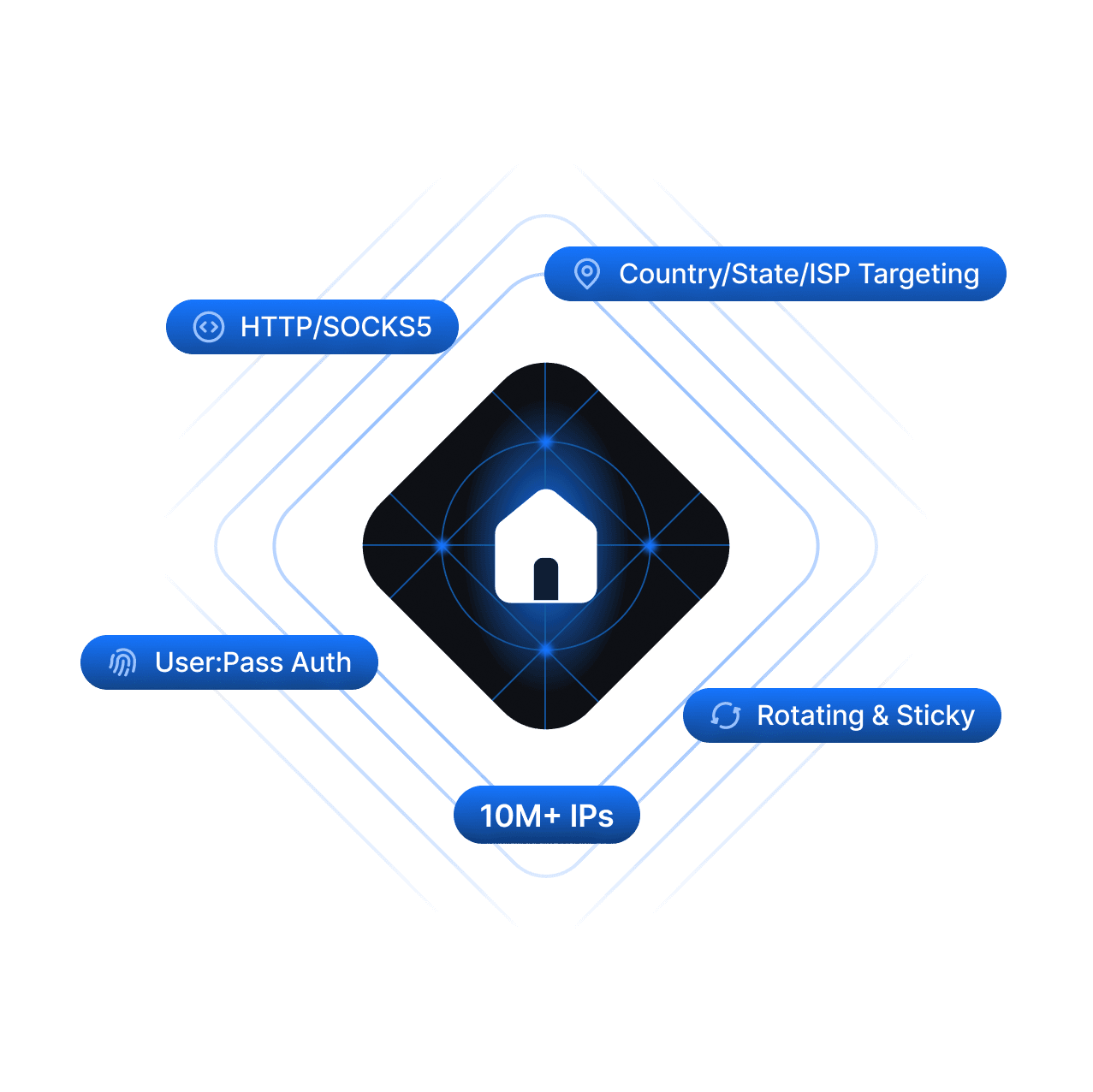
Residential Proxies
20M+ real home IPs with city + ISP targeting.
Plans & pricing
Explore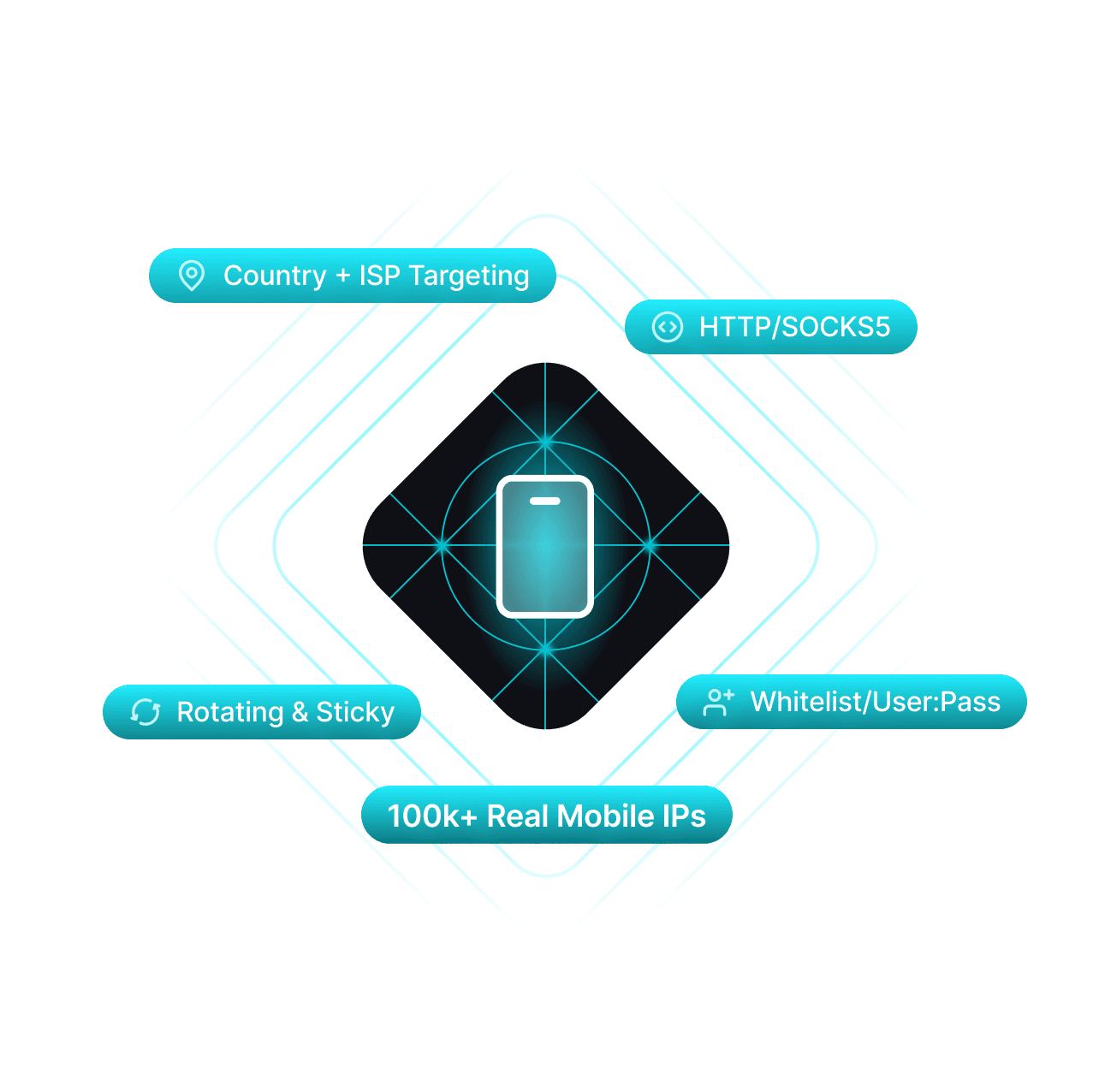
Mobile Proxies
5G/4G/LTE IPs across 500k+ devices worldwide.
Plans & pricing
Explore
ISP Proxies
Datacenter speed with residential trust.
Plans & pricing
ExploreQuestions about GoLogin.
Things readers ask before they pull the trigger. Missing one? Ping us and we'll add it.
Local (Orbita) is always faster because the browser runs on your hardware. Use cloud for true device-portable workflows.