Blog / Guide
Write to UsProxy Authentication Explained: Username/Password vs IP Whitelisting
June 21, 2026
Guide
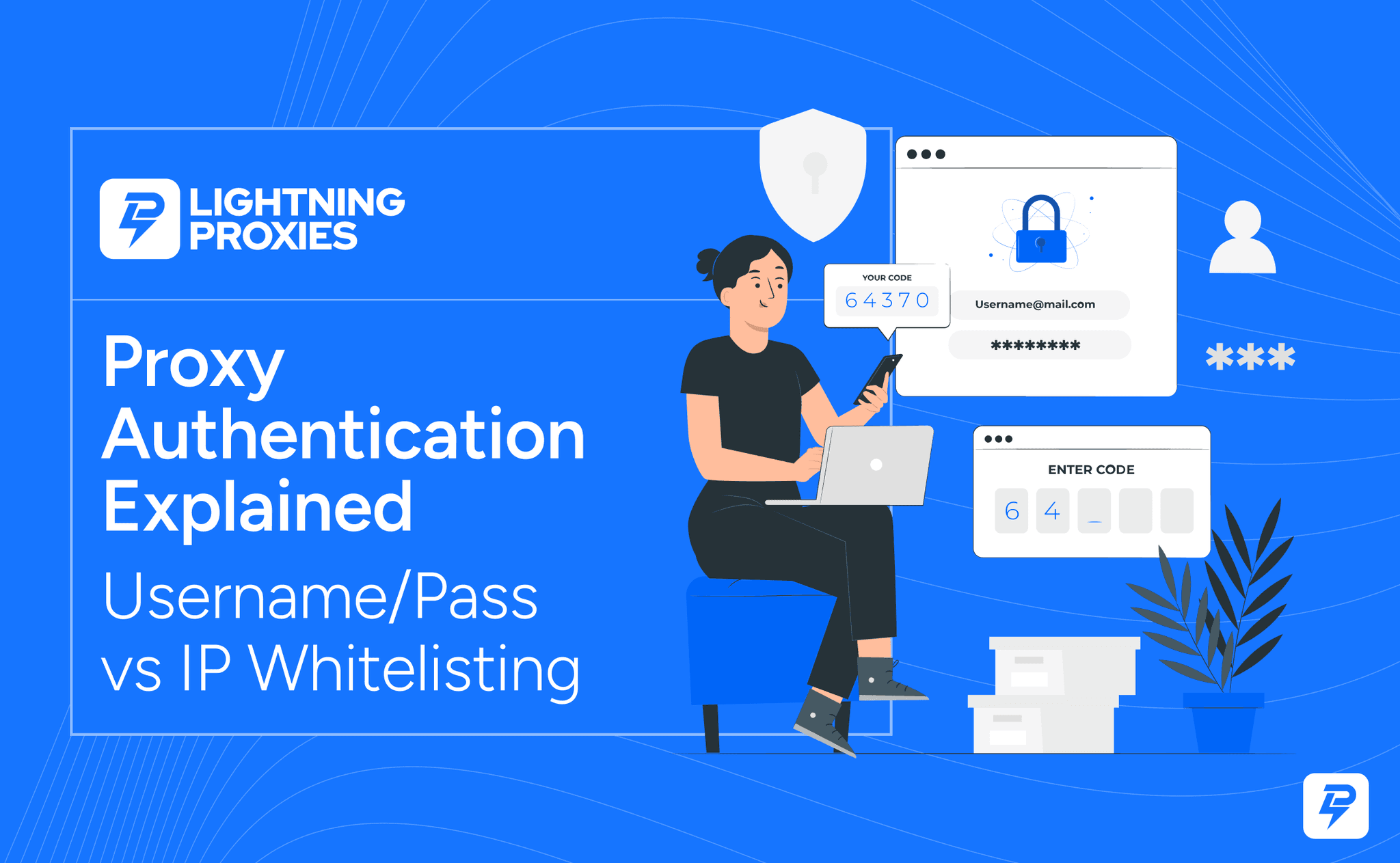
Proxy authentication is how a proxy provider decides who is allowed to use a proxy. If authentication is set up correctly, your proxy connects and your traffic goes through the proxy server. If it is wrong, the proxy may fail completely, even if the IP, port, and server details are correct.
This is one of the most common reasons people think their proxy is not working. In most cases, proxy authentication happens in one of two ways: username and password, or IP whitelisting.
Both methods are common. Both can work well. But they are used in different situations, and choosing the wrong one can cause connection errors, failed logins, and a lot of unnecessary troubleshooting. This guide explains how proxy authentication works, how username/password proxies compare with IP whitelist proxies, and how to fix the most common proxy login problems.
What Is Proxy Authentication?
Proxy authentication is the process of verifying that you are allowed to use a proxy server. A proxy is not usually open for anyone to use. If it were, random users could connect to it, overload it, abuse it, or use up the bandwidth. Authentication protects the proxy and makes sure only approved users can access it.
When you connect to a proxy, the proxy server checks whether your request is authorized. It may ask:
- Are the username and password correct?
- Is the user connecting from an approved IP address?
- Is the proxy plan still active?
- Is the connection using the correct port?
- Is the user allowed to access this proxy location or proxy type?
If the answer is yes, the connection works. If not, you may see an error such as:
- Proxy authentication required
- 407 Proxy Authentication Required
- Access denied
- Invalid credentials
- Unable to connect to proxy server
- Proxy server not responding
Why Do Proxies Need Authentication?
Proxies need authentication because they are private network resources. Without authentication, anyone who finds the proxy server details could use it. That would create security, performance, and abuse problems.
Authentication helps proxy providers:
- Protect paid proxy access
- Prevent unauthorized usage
- Control bandwidth
- Limit abuse
- Track account usage
- Keep proxy pools cleaner
- Make sure users connect through approved methods
For users, authentication also keeps your proxy access more controlled. If someone gets your proxy host and port but does not have the login details, they cannot use it. If your proxy uses IP whitelisting, they also cannot use it unless they are connecting from an approved IP.
Username and Password Proxy Authentication
Username and password authentication is the method most people recognize. Your proxy provider gives you a proxy host, port, username, and password. You enter those details into your browser, app, device, scraper, or proxy manager.
A basic proxy setup may look like this:
Proxy host: proxy.example.com
Port: 8000
Username: user123
Password: pass123
Some tools also use proxy URLs in this format:
http://username:[email protected]:8000Only use that format if your tool supports it.
How Username and Password Authentication Works
When your device connects to the proxy, it sends the login details. The proxy server checks them against your account. If the username and password are correct, the proxy allows the connection. If they are wrong, the connection fails.
This method is easy to understand and works well for many users because you can connect from different networks without updating your IP address every time. For example, username/password authentication is useful if you:
- Switch between home, office, and public Wi-Fi
- Use mobile data
- Work while traveling
- Use proxies on multiple devices
- Have a dynamic IP that changes often
- Do not want to keep updating an IP whitelist
Benefits of Username and Password Authentication
The biggest benefit is flexibility. You can usually connect from anywhere as long as you have the correct credentials. That makes this method practical for remote workers, marketers, SEO teams, developers, and users who change networks often.
It is also easier for beginners because the setup is clear: enter the proxy host, port, username, and password.
Downsides of Username and Password Authentication
The main risk is credential sharing or credential leaks. If someone gets your proxy username and password, they may be able to use your proxy account. That is why proxy credentials should be treated like any other login details.
Another issue is formatting. Some tools handle special characters in passwords poorly. If your password includes symbols, spaces, or unusual characters, some apps may fail unless the details are entered correctly.
IP Whitelisting Proxy Authentication
IP whitelisting works differently. Instead of entering a username and password, you approve your current internet IP address in the proxy provider's dashboard. The proxy then only accepts connections from that approved IP.
In simple terms, the proxy asks: "Is this user connecting from an IP address I recognize?" If yes, the proxy works. If no, the proxy blocks the connection.
How IP Whitelisting Works
Let's say your home internet IP is:
45.67.89.100You add that IP to your proxy dashboard as an allowed IP. Now, when you connect to the proxy from your home network, the proxy sees that your request is coming from 45.67.89.100 and allows access.
But if you go to a coffee shop, your public IP changes. The proxy no longer recognizes you, so the connection fails until you whitelist the new IP.
Benefits of IP Whitelisting
IP whitelisting is clean and secure when your connection is stable. You do not have to store usernames and passwords inside tools, scripts, browsers, or apps. The proxy simply checks whether your current IP is allowed.
This can be useful for:
- Servers
- Office networks
- Dedicated workstations
- Automation tools running from one machine
- Teams with fixed network IPs
- Users who do not want to store credentials in scripts
Downsides of IP Whitelisting
The biggest downside is that your IP address may change. Many home internet connections use dynamic IPs. Mobile data changes even more often. Public Wi-Fi, hotel Wi-Fi, office Wi-Fi, and hotspots all use different IPs.
That means an IP whitelist proxy may work in one place and fail somewhere else. Often, the proxy is not broken — their public IP changed, and the new IP is not whitelisted.
Username/Password vs IP Whitelisting: Key Differences
Both methods do the same basic job, but they feel very different in practice.
Username and Password
Best for users who need flexibility. You can connect from different networks as long as the credentials are correct. Good for:
- Beginners
- Remote workers
- Mobile users
- Multiple devices
- Changing networks
- Dynamic IP connections
- Browser and app setups
Main risk: Credentials can be shared, leaked, or entered incorrectly.
IP Whitelisting
Best for stable environments. You approve your public IP once, and the proxy allows connections from that IP without needing a username and password. Good for:
- Servers
- Fixed office networks
- Automation systems
- Secure internal workflows
- Tools running from one known IP
- Users who do not want to store passwords
Main risk: The proxy fails when your public IP changes.
Which Proxy Authentication Method Should You Use?
The right method depends on how and where you use proxies. Use username and password authentication if you move between networks often. This is usually the better choice for laptops, phones, browser extensions, and general browsing.
Use IP whitelisting if you connect from one stable IP address. This is usually better for servers, office networks, and automated tools running from a fixed machine.
Here is the simple version:
- Use username/password when your location or network changes.
- Use IP whitelisting when your connection IP stays the same.
- Use both if your provider allows it and your setup needs extra control.
For example, if you are setting up proxies on Android, iPhone, or Chrome, username/password is often easier. If you are running a scraper from a VPS with a static IP, IP whitelisting may be cleaner. If you need reliable proxies with clear setup details, Lightning Proxies is one provider you can check before choosing the authentication method that fits your workflow.
Common Proxy Authentication Errors
Proxy authentication errors are common, but most of them come from a few simple problems.
407 Proxy Authentication Required
A 407 error means the proxy expects authentication, but the request did not include valid login details. This usually happens when:
- The username is wrong
- The password is wrong
- Authentication is missing
- The tool does not support proxy login
- The credentials are in the wrong format
- The proxy uses IP whitelisting instead of username/password
Access Denied
Access denied can mean the proxy rejected your connection. Possible causes include:
- Wrong credentials
- Your IP is not whitelisted
- Your plan expired
- You are using the wrong proxy endpoint
- Your account does not have access to that proxy type
- The provider blocked the connection because of abuse or overuse
Proxy Login Keeps Popping Up
Sometimes a browser keeps asking for proxy login details again and again. This usually means the credentials are not being accepted. Check the username and password carefully. If they are correct, try another browser or check whether your proxy requires IP whitelisting instead.
Proxy Works on One Network but Not Another
This usually points to IP whitelisting. If the proxy works at home but not at the office, your office IP may not be whitelisted. If it works on Wi-Fi but not mobile data, your mobile IP is probably not approved.
Proxy Works in One Tool but Not Another
This can happen when one tool supports your proxy authentication method and another does not. For example, some apps do not support username/password proxies properly. Others may support HTTP proxies but not SOCKS5 authentication. Check whether the tool supports your proxy type and authentication method.
How to Fix Proxy Login Problems
When proxy login fails, do not change every setting at once. Work through the basics.
Check the Authentication Method
First, confirm whether your proxy uses:
- Username and password
- IP whitelisting
- Both
- Token-based access
- A special gateway format
Re-enter the Username and Password
If your proxy uses credentials, copy them again carefully. Look for:
- Extra spaces
- Wrong capitalization
- Old password
- Special characters
- Using dashboard login instead of proxy login
- Using email address instead of proxy username
Check Your IP Whitelist
If your proxy uses IP whitelisting, check your current public IP and compare it with the IP saved in your proxy dashboard. If they are different, update the whitelist. This is especially important if you are using:
- Mobile data
- Home internet with dynamic IP
- Public Wi-Fi
- Hotel Wi-Fi
- Office Wi-Fi
- VPNs
- Multiple locations
Confirm the Proxy Host and Port
Authentication may be fine, but the proxy can still fail if the host or port is wrong. Make sure you are using the correct endpoint for your proxy type and location.
Check Proxy Type
A SOCKS5 proxy may not work in an HTTP-only field. An HTTP proxy may not work in a SOCKS5 field. Make sure your app, browser, or tool supports the proxy type you are using.
Try Another Browser or Device
If the proxy works somewhere else, the issue is probably your local setup. If it fails everywhere, the proxy details, account, or provider may be the issue.
Contact Support With the Right Details
If nothing works, contact your provider and include:
- Proxy host
- Port
- Proxy type
- Authentication method
- Error message
- Device or tool used
- Whether your IP is whitelisted
- Whether the proxy works elsewhere
Do not send your full password unless support specifically asks through a secure channel.
Is IP Whitelisting Safer Than Password Authentication?
IP whitelisting can be safer in some situations, but it is not automatically better for everyone. It is safer when you connect from a stable, trusted IP because there are no proxy passwords stored in tools or shared between users. Even if someone gets the proxy host and port, they cannot use it unless they are connecting from the approved IP.
But IP whitelisting can be inconvenient if your IP changes often. Username/password authentication is more flexible, but credentials need to be protected. If someone gets them, they may be able to use your proxy account. So the safer option depends on your setup.
Use IP whitelisting when:
- Your IP is stable
- You use proxies from a server
- You want fewer stored passwords
- You control the network
- You need a cleaner security setup
Use username/password when:
- You travel
- You use different Wi-Fi networks
- You use mobile data
- Your IP changes often
- You need simple setup across devices
For many users, username/password is more practical. For server-based work, IP whitelisting is often cleaner.
Best Practices for Managing Proxy Credentials
Proxy authentication is easier when you manage the details properly.
Keep Proxy Credentials Private
Do not paste proxy usernames and passwords into public docs, screenshots, chats, or shared spreadsheets.
Use a Password Manager
Store proxy credentials in a password manager or secure internal system.
Remove Old Whitelisted IPs
If you use IP whitelisting, clean up old IPs you no longer use. This keeps access more controlled.
Label Your Proxies
If you manage many proxies, label them by use case, location, or project. This helps avoid mixing up credentials.
Do Not Reuse Passwords
Do not reuse your main account password as your proxy password if your provider lets you set them separately.
Check Authentication Before Troubleshooting Everything Else
If a proxy is not working, check authentication early. Wrong credentials or a missing IP whitelist entry are among the most common causes. See our proxy troubleshooting guide for more help.
Rotate Credentials When Needed
If credentials were shared too widely or may have been exposed, reset them.
Match the Method to the Use Case
Do not force IP whitelisting if your IP changes every day. Do not store passwords in scripts if a stable server IP can be whitelisted instead.
Proxy Authentication FAQs
What is proxy authentication?
Proxy authentication is the process a proxy server uses to confirm that you are allowed to connect. It usually works through username/password login or IP whitelisting.
What is a proxy username and password?
What is IP whitelisting for proxies?
Is username/password better than IP whitelisting?
Why does my proxy say authentication required?
Why did my IP whitelist proxy stop working?
Can I use both username/password and IP whitelisting?
What is a 407 proxy error?
Are proxy credentials the same as my account login?

LightningProxies Team
Technical Writers @LightningProxies

June 21, 2026
Guide
Proxy Not Working? Common Proxy Errors and How to Fix Them
Learn how to fix common proxy errors, including wrong IP or port, bad credentials, IP whitelist issues, and HTTP vs SOCKS5 mismatch.
June 20, 2026
Guide
What Is a Rotating Proxy and When Should You Use One?
Learn what a rotating proxy is, how proxy rotation works, and when to use rotating vs static proxies with sticky sessions and best practices.
June 20, 2026
Guide
How to Set Up a Proxy on Android
Learn how to set up a proxy on Android through Wi-Fi settings with manual and automatic setup and troubleshooting tips.