Blog / Guide
Write to UsWhat Is a Rotating Proxy and When Should You Use One?
June 20, 2026
Guide
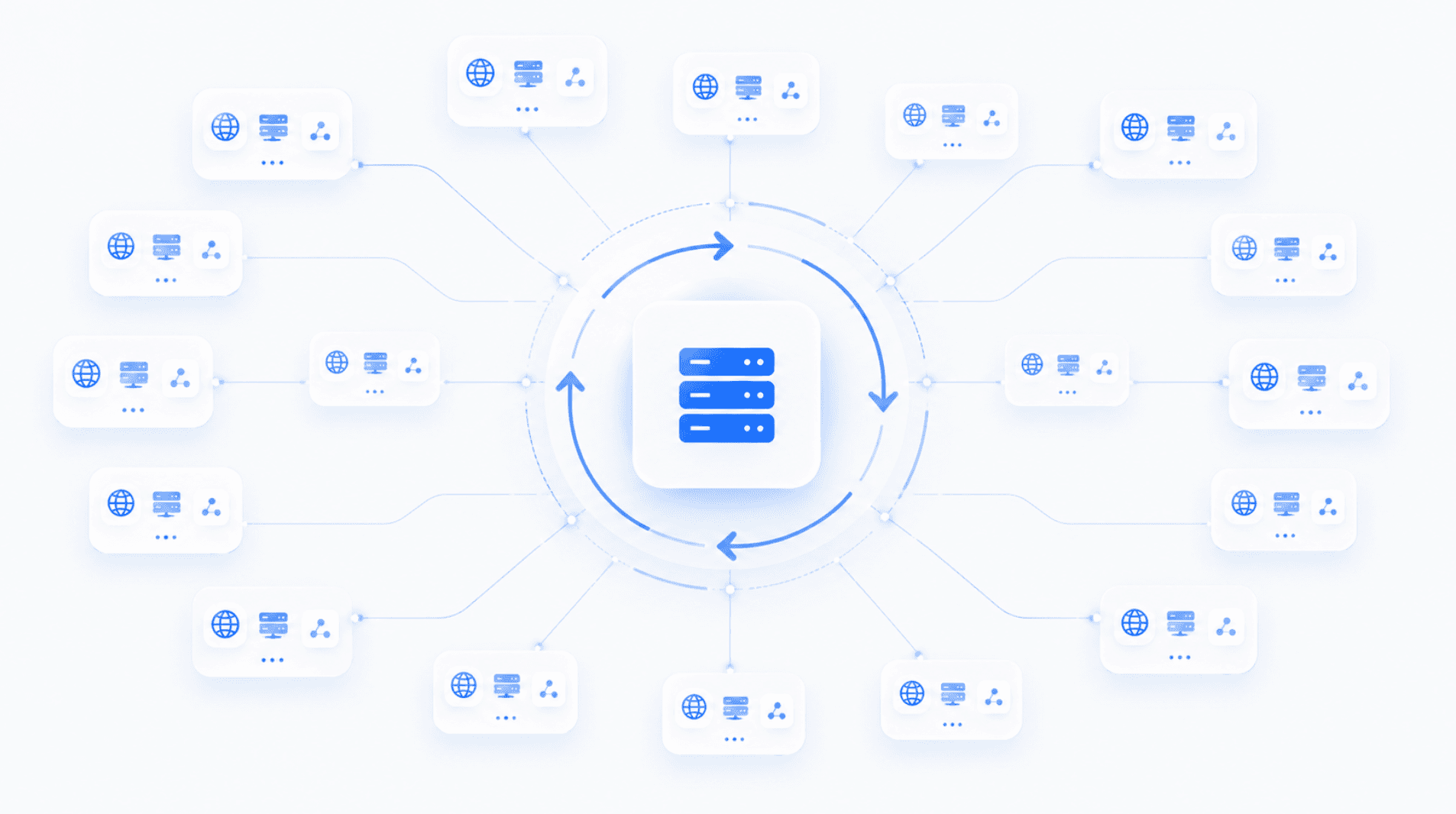
A rotating proxy is a proxy that changes the IP address you use automatically. Instead of sending every request through the same IP, a rotating proxy gives you access to a pool of IP addresses. Each request, session, or time interval can use a different IP, depending on how the proxy is set up.
This is useful when you need to send many requests, test websites from different locations, reduce IP-based blocks, or avoid putting too much activity on one address. But rotating proxies are not always the right choice. Sometimes a static proxy is better. Sometimes you need a sticky session. And sometimes rotation can actually create problems if a website expects you to keep the same IP during a login, checkout, or account session.
This guide explains what rotating proxies are, how proxy rotation works, when to use them, and when not to.
What Is a Rotating Proxy?
A rotating proxy is a proxy server that automatically changes the outgoing IP address used for your connection. When you use a regular proxy, your traffic goes through one proxy IP. With a rotating proxy, your traffic goes through a pool of IPs, and the proxy provider rotates them for you.
For example, instead of all your requests coming from one IP address, they may come from many different IPs over time. A rotating proxy can change IPs:
- Every request
- Every few minutes
- After a set time interval
- At the start of each new session
- When the current IP becomes unavailable
- When you manually request a new IP
This process is called proxy rotation. The main idea is simple: rather than relying on one IP address, you spread activity across many IPs.
How Does Proxy Rotation Work?
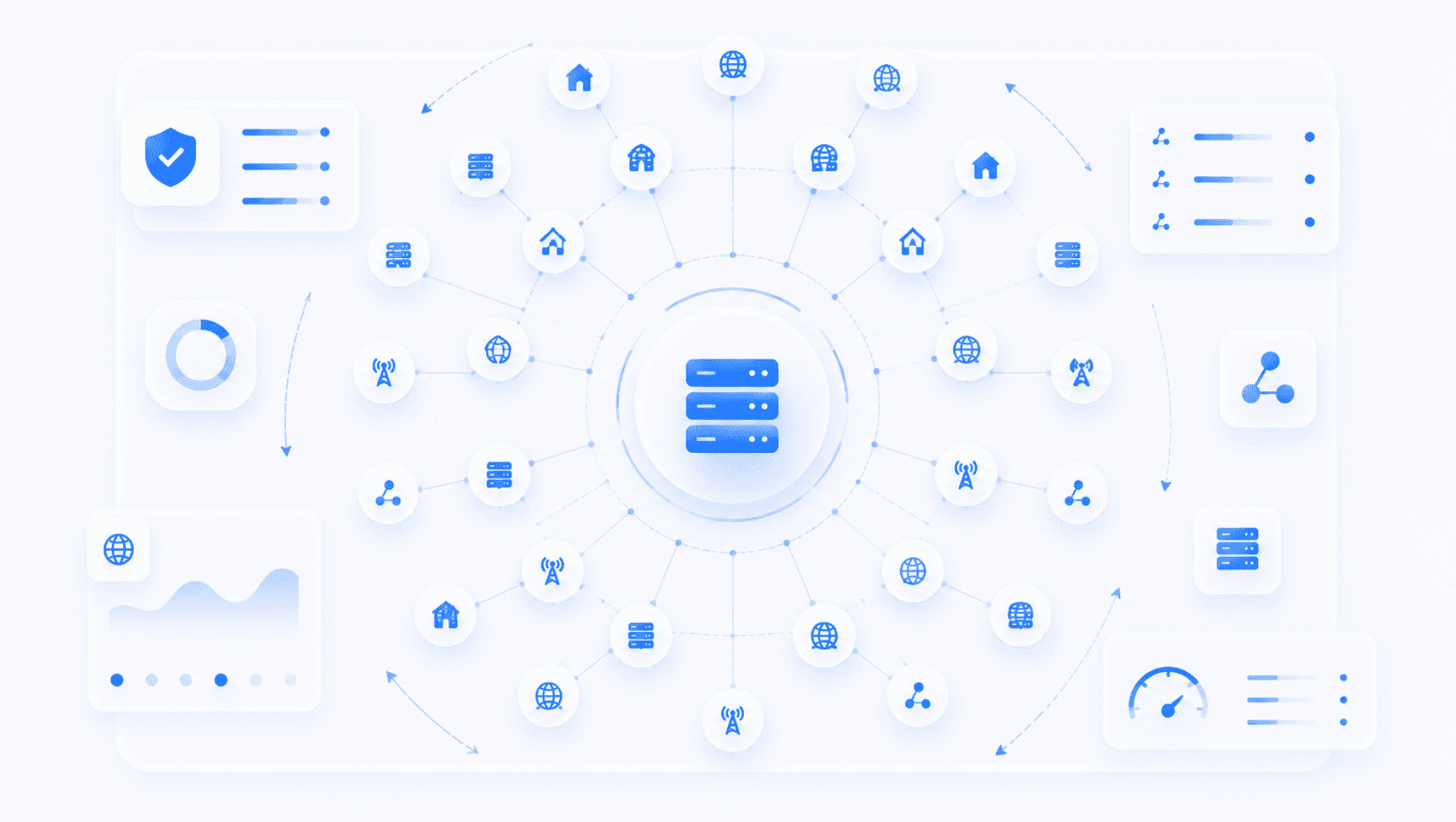
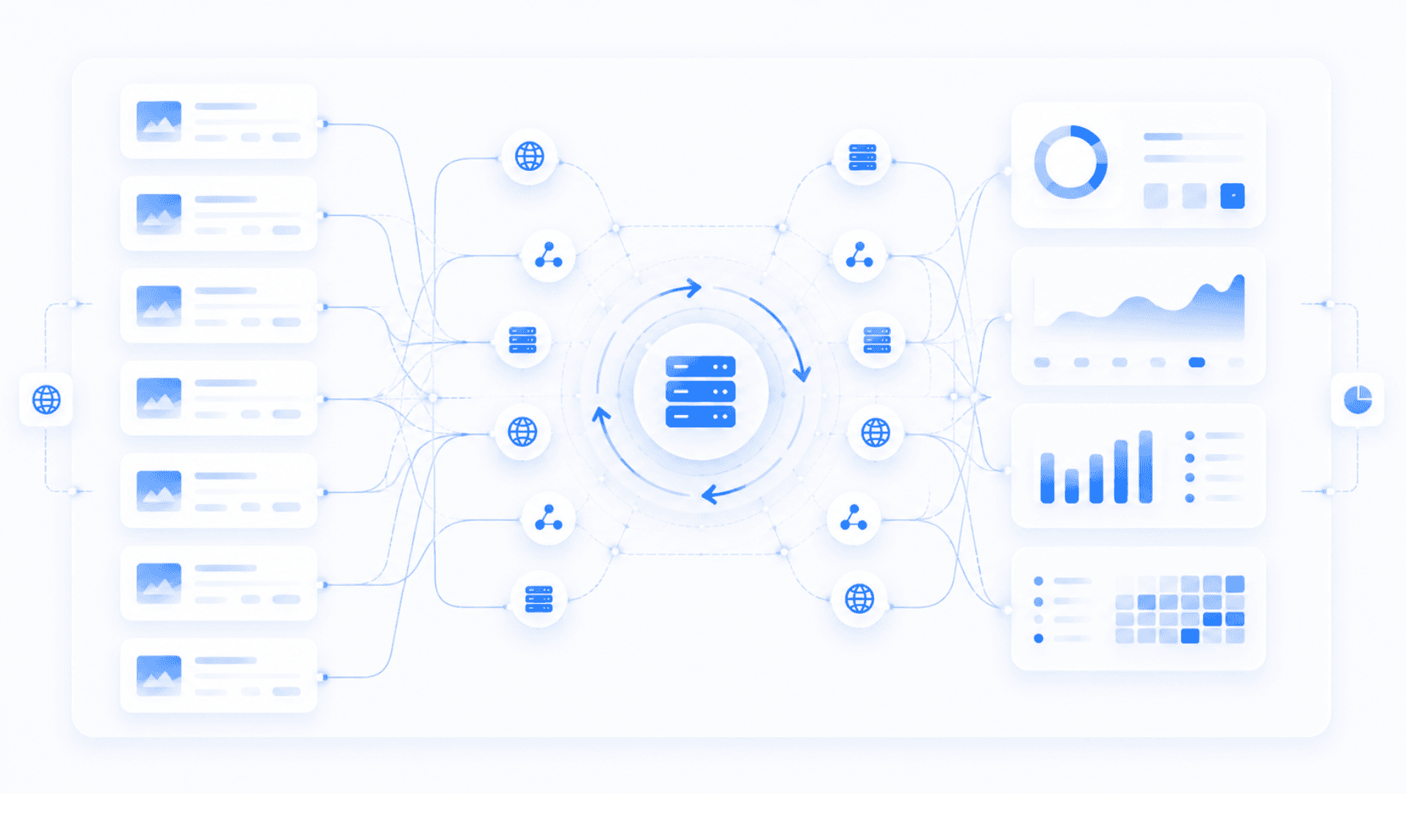
Proxy rotation happens through a proxy pool. A proxy provider owns or manages many proxy IPs. When you connect to the provider's rotating proxy gateway, the system chooses which IP address your traffic will use.
You may only need to enter one proxy endpoint, such as a hostname and port. Behind that single endpoint, the provider rotates the IPs automatically. A basic setup might look like this:
- You connect to the rotating proxy gateway.
- The proxy system assigns an IP from the pool.
- Your request is sent through that IP.
- The next request may use the same IP or a different one.
- The rotation continues based on your settings.
Some rotating proxies change IPs with every request. Others keep the same IP for a few minutes before switching. Some let you choose sticky sessions, which keep one IP for a longer period. The right setup depends on what you are doing.
Rotating Proxy vs Static Proxy
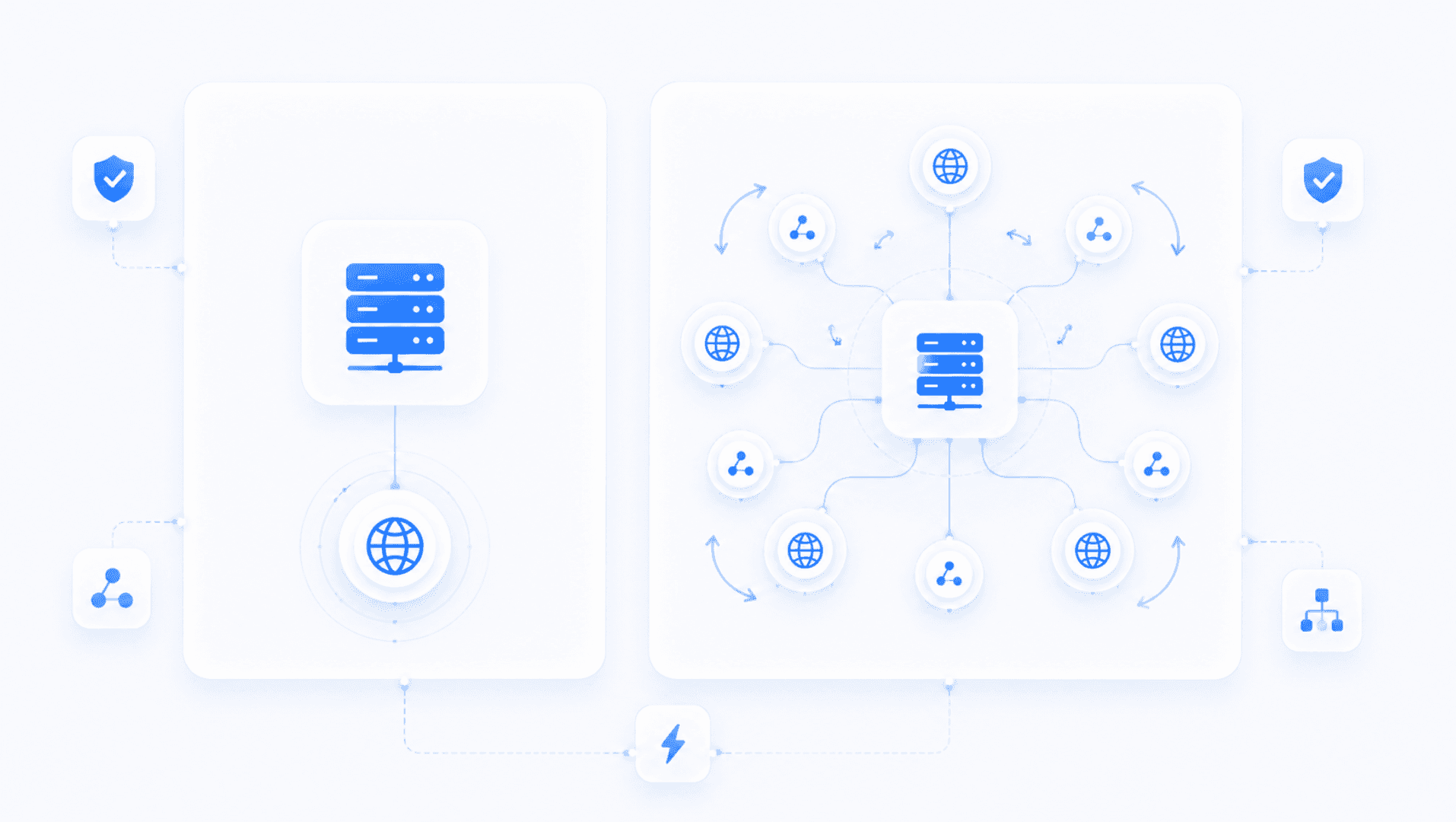
The easiest way to understand rotating proxies is to compare them with static proxies. A static proxy gives you one fixed IP address. You keep using the same IP until you change it manually or replace it. A rotating proxy gives you access to many IPs that change automatically.
Static proxies are useful when you need consistency
A static proxy is often better for account logins, social media management, long browsing sessions, checkout flows, dashboards, tools that expect the same IP, and tasks where trust and consistency matter.
If a website sees you log in from one IP, then suddenly switch to another IP a few seconds later, it may flag the activity as suspicious. That is why static proxies can be better for account-based work.
Rotating proxies are useful when you need scale
A rotating proxy is often better for web scraping, SEO tracking, market research, price monitoring, ad verification, large-scale testing, collecting public data, and avoiding too many requests from one IP.
If you need to visit many pages or send many requests, using one IP can quickly trigger blocks or rate limits. Rotating proxies help spread that activity across different IPs.
What Are Rotating Residential Proxies?
Rotating residential proxies use IP addresses associated with real residential internet connections. This makes them different from datacenter proxies, which come from servers and hosting providers.
Rotating residential proxies are often used when websites are more sensitive to datacenter traffic. Since residential IPs look more like normal user traffic, they may be less likely to get blocked when used properly. They are commonly used for localized search checks, ad verification, market research, price comparison, public web data collection, and testing websites from different regions.
However, residential proxies are usually more expensive than datacenter proxies. They may also be slower, depending on the provider and location. For many users, the choice is not simply "residential is better." It depends on the job. If you need speed, datacenter proxies may be enough. If you need more natural-looking traffic, rotating residential proxies may be a better fit.
What Is a Rotating IP Proxy?
A rotating IP proxy is another way of describing a proxy that changes IP addresses automatically. The phrase usually means the same thing as rotating proxy. The important part is the IP rotation. The proxy is not limited to one fixed address. Instead, it rotates through multiple IPs from a proxy pool.
A rotating IP proxy can be residential, datacenter, mobile, ISP-based, shared, or private, depending on the provider. The quality of a rotating IP proxy depends on the size of the pool, the type of IPs, the locations available, the rotation settings, and how clean the IPs are.
What Are Sticky Sessions?
Sticky sessions are one of the most important things to understand before using rotating proxies. A sticky session lets you keep the same IP address for a set period of time. For example, instead of changing IPs on every request, your proxy may keep the same IP for 1 minute, 5 minutes, 10 minutes, 30 minutes, or the full session, if supported.
This is useful when you need some consistency but still want access to rotation. For example, imagine you are testing a website and need to load several pages in the same session. If the IP changes on every click, the site may behave strangely. A sticky session keeps the same IP long enough to complete the task.
Sticky sessions are useful for login flows, multi-page browsing, cart and checkout testing, form testing, QA work, sessions that need cookies, and websites that react badly to constant IP changes.
If your task does not need a stable session, rotating on every request may be fine. If your task depends on cookies, accounts, or step-by-step navigation, sticky sessions are usually safer.
When Should You Use a Rotating Proxy?
Rotating proxies are useful when you need to make repeated requests without relying on one IP address. Here are the most common use cases.
Web Scraping
Rotating proxies are often used for web scraping because scraping can create a high number of requests. If all requests come from one IP, a website may quickly limit, block, or challenge that traffic. Rotating proxies help distribute the requests across multiple IPs. That said, scraping should be done responsibly. Respect robots.txt where applicable, follow website terms, avoid collecting private data, and do not overload websites with aggressive request rates.
SEO Monitoring
SEO teams use rotating proxies to check search results, rankings, SERP features, and local search behavior. Search results can change based on location, language, device, and browsing context. A rotating proxy can help test how results appear from different places. For example, an SEO team may use proxies to check local keyword rankings, search results in different countries, SERP changes over time, competitor visibility, paid and organic results, and localized landing pages.
If you need proxy infrastructure for SEO checks, testing, or controlled browsing, lightningproxies.net can be used as part of that setup.
Market Research
Rotating proxies can help with market research when you need to collect public information from different websites or regions. This can include product availability, pricing trends, competitor pages, localized offers, regional content differences, and marketplace listings.
Price Monitoring
Prices can vary by region, time, availability, user behavior, and website settings. Businesses may use rotating proxies to monitor pricing across different markets. This is common in industries like travel, ecommerce, retail, tickets, and online services.
Ad Verification
Ad verification is another common use case. Companies may need to check whether ads are showing correctly in different regions, whether landing pages work, or whether competitors are bidding on certain terms. Rotating proxies can help view ads from different locations and reduce bias from one fixed IP.
Testing IP Blocks and Access Issues
Sometimes a website blocks one IP, but works fine from another. A rotating proxy can help test whether the issue is related to an IP block, a regional restriction, a firewall rule, a rate limit, a temporary ban, or a network-level issue. This can be useful for developers, support teams, and website owners trying to diagnose access problems.
When Should You Not Use a Rotating Proxy?
Rotating proxies are useful, but they are not always the best option. In some cases, rotation can create more problems than it solves.
Account Logins
If you are logging into an account, constant IP changes can look suspicious. Many websites monitor login behavior. If your session starts from one IP and then suddenly continues from another IP, you may trigger extra verification, security checks, or account restrictions. For account-based work, a static proxy or sticky session is usually better.
Checkout and Payment Flows
Checkout pages often rely on stable sessions. If the IP changes during checkout, the site may block the order, reset the cart, or ask for verification. Use a stable IP for checkout testing unless you have a specific reason to rotate.
Long Sessions
If you need to stay connected for a long time, constant rotation may interrupt the session. This can affect dashboards, tools, apps, and websites that expect the same IP during a visit.
Low-Volume Browsing
If you only need to browse a few pages, a rotating proxy may be unnecessary. A static proxy is simpler and may be more stable.
Websites With Strict Fraud Detection
Some websites are very sensitive to IP changes. If the IP rotates too often, the activity may look unnatural. In those cases, sticky sessions, slower request rates, and consistent locations are usually better.
Common Rotating Proxy Problems
Rotating proxies can fail or behave strangely if they are not configured correctly. Here are a few common issues.
The IP Changes Too Often
If your IP changes with every request, some websites may not keep your session active. You may get logged out, lose cookies, or see repeated verification checks. The fix is to use sticky sessions.
The IP Does Not Change Often Enough
Sometimes the opposite happens. You expect rotation, but the same IP keeps appearing. This may be caused by sticky session settings, provider limits, or how the proxy endpoint is configured. Check your provider's rotation options.
Wrong Location
If you need a proxy from a specific country or city, make sure your proxy plan supports that location. Some rotating pools are global by default. That means each request may come from a different country unless you set location targeting.
Blocked or Burned IPs
Not all proxy IPs are equal. Some may have already been abused by other users. If an IP has a bad reputation, websites may block or challenge it more often. This is why proxy quality matters.
Too Many Requests
Rotation helps, but it does not make unlimited requests safe. If your request rate is too high, websites can still detect and block the behavior. Use reasonable delays, respect limits, and avoid aggressive scraping.
Authentication Problems
Proxy authentication can fail if the username, password, IP whitelist, or endpoint is wrong. If the proxy does not connect at all, check your credentials first.
Rotating Proxy Best Practices
Rotating proxies work best when they are configured carefully.
- Choose the Right Rotation Type. Do not rotate just because you can. Use request-based rotation when each request can stand alone. Use sticky sessions when your task needs continuity.
- Match the Proxy Type to the Task. Use datacenter proxies when speed and cost matter. Use residential proxies when you need more natural-looking traffic. Use mobile proxies only when the use case truly requires mobile carrier IPs.
- Use Location Targeting Carefully. If you need traffic from one country, do not use a global pool by accident. Set the correct country, region, or city when available.
- Keep Request Rates Reasonable. Even with rotating IPs, sending too many requests too quickly can cause blocks.
- Avoid Sensitive Logins on Rotating IPs. Do not use constantly rotating IPs for banking, email, payment accounts, or sensitive logins.
- Monitor Errors. Track failed requests, blocks, CAPTCHA pages, and timeouts. These signals help you adjust rotation settings.
- Use Sticky Sessions When Needed. If a website depends on cookies, logins, carts, or step-by-step browsing, use a sticky session instead of rotating every request.
- Follow Website Rules. Use proxies responsibly. Do not use rotating proxies to break terms, bypass security controls, or collect private data.
Rotating Proxy vs Backconnect Proxy
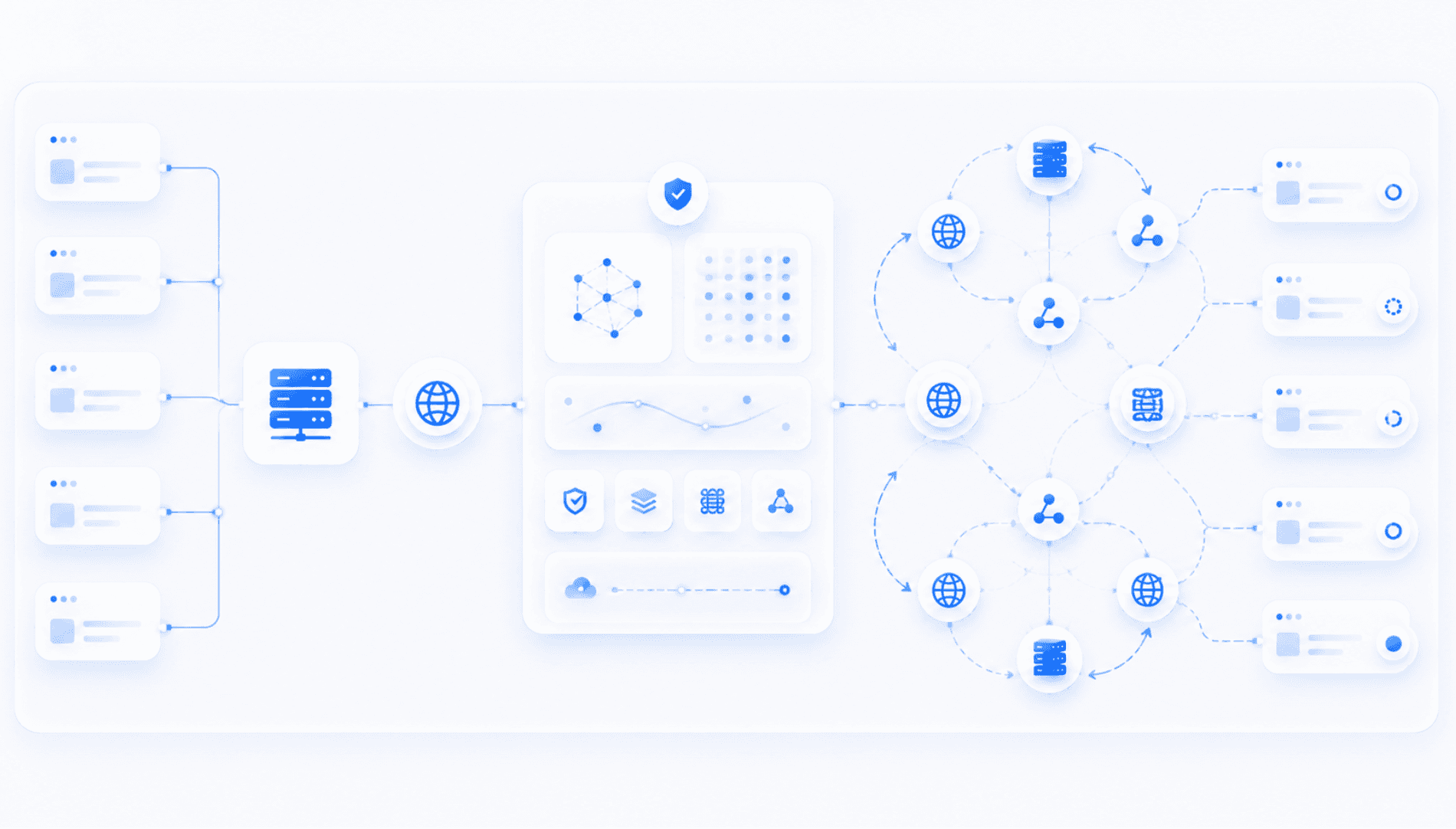
You may also hear the term backconnect proxy. A backconnect proxy is a type of proxy setup where you connect to one gateway, and the provider routes your traffic through different IPs behind the scenes. In many cases, backconnect proxies and rotating proxies are closely related. A backconnect proxy often provides rotating IP access through a single endpoint.
The difference is mostly in how the system is described:
- Rotating proxy describes the IP-changing behavior.
- Backconnect proxy describes the gateway-style connection method.
In practice, many users use the terms together because backconnect proxy networks often include rotation. Learn more in our guide to backconnect proxies.
Rotating Proxy vs Proxy Pool
A proxy pool is the group of IP addresses available to use. A rotating proxy is the system that moves your traffic through that pool. Think of it like this:
- Proxy pool = the available IPs
- Proxy rotation = the process of switching between them
- Rotating proxy = the tool or service that handles the switching
The bigger and cleaner the proxy pool, the better the rotating proxy usually performs.
Rotating Proxy FAQs
What is a rotating proxy?
A rotating proxy is a proxy that automatically changes the IP address used for your connection. Instead of using one fixed IP, it rotates through multiple IPs from a proxy pool.
What is proxy rotation?
What is a rotating IP proxy?
What are rotating residential proxies?
Are rotating proxies better than static proxies?
What is a sticky session?
Can rotating proxies be blocked?
Should I use rotating proxies for scraping?

April 29, 2026
Guide
Backconnect Proxies: What They Are and Why Businesses Use Them
Learn how backconnect proxies work, why businesses use rotating IP pools, and when they outperform static proxies in large-scale workflows.
October 15, 2025
Guide
Datacenter vs Residential Proxies
Understand datacenter vs residential proxies: how they work, pros/cons, IP rotation, and when to use each for SEO and other tasks.
April 29, 2026
Guide
Proxies for Web Scraping: How They Work and How to Choose the Right Type
Learn how proxies make web scraping stable and scalable, compare proxy types, and choose the right setup for speed, reliability, and block resistance.