Blog / Guide
Write to UsWhat Is a Web Proxy & How It Works
October 16, 2026
Guide
At LightningProxies, we believe that privacy, freedom, and control over your internet connection should be simple and accessible. A web proxy is one of the most convenient tools to offer you that control - and in this guide, we explain exactly what a web proxy is, how it works, and why LightningProxies might be the smart choice for your browsing needs.
What Is a Web Proxy? (Simple Definition)
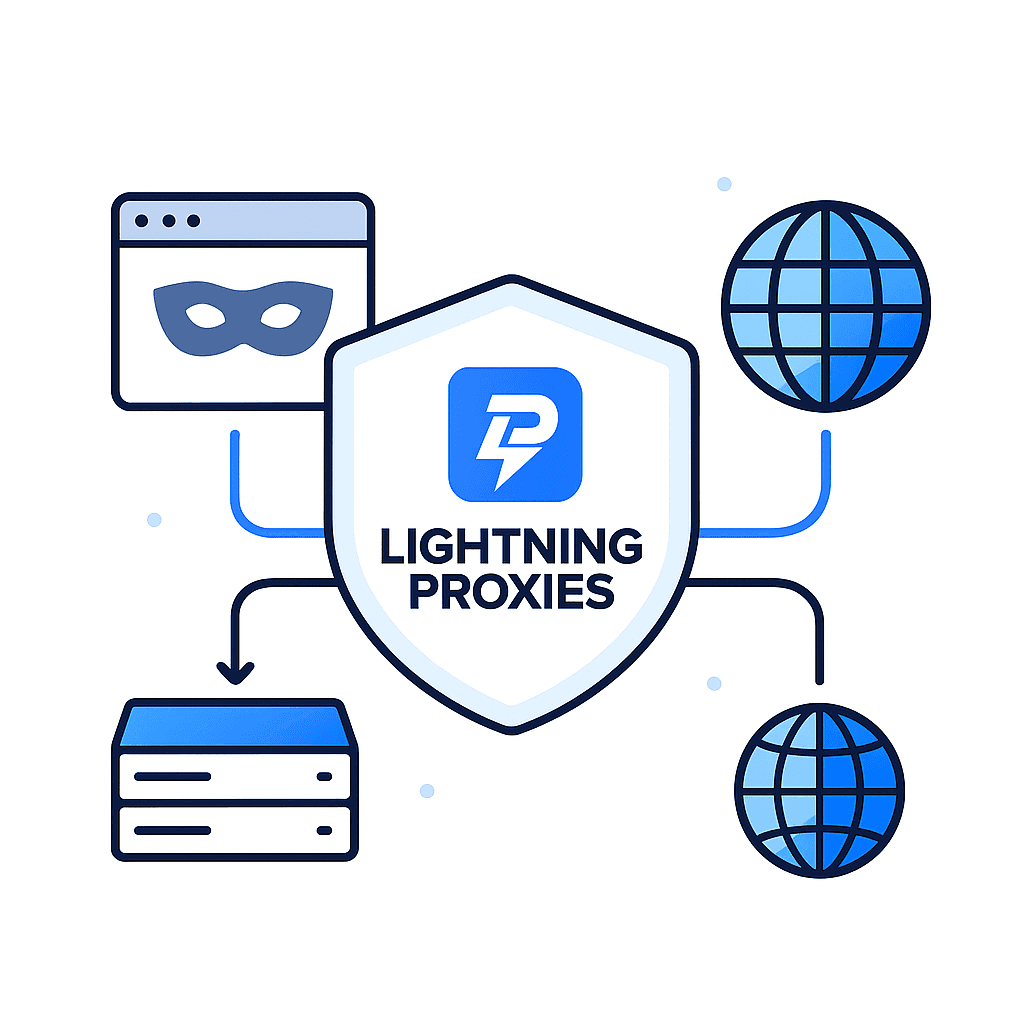
A web proxy is an online tool - usually a web-based service - that lets you browse websites through an intermediary server rather than directly from your own IP address. When you use a web proxy, websites see the proxy's IP, not yours.
In short: a web proxy acts as a middleman between your browser and the website you want to visit. This adds a layer of anonymity and can help you bypass restrictions, geo-blocks, or network filters.
According to Cloudflare, a web proxy acts as an intermediary between a user and the internet.
How Does a Web Proxy Work? (Step-by-Step)
Regular Browsing (Without a Proxy)
- You open your browser and enter a website URL.
- Your device connects directly to that website's server.
- The website sees your real IP, location, and other details.
Browsing Through a Web Proxy
- You open a web proxy.
- You enter the target website's URL into the proxy.
- The proxy server sends the request to the website on your behalf.
- The website sees the proxy's IP, not yours.
- The website returns the response to the proxy, which then forwards it back to your browser.
This flow means your real IP remains hidden. The website never sees your original address - only the proxy's. This is how a web proxy enhances privacy and helps bypass filters.
For users who want a faster and more flexible way to route traffic through a proxy without manual configuration, the LightningProxies browser extension offers instant IP switching directly from the browser.
Web Proxy vs Regular Proxy Server
It's easy to confuse web proxies with proxy servers - but they differ significantly. Here's how:
| Feature | Web Proxy | Proxy Server (SOCKS, HTTP(S), etc.) |
|---|---|---|
| Setup | Usually via browser (no installation) | Requires configuration or software |
| Scope | Browser-based (or single-session) | Whole system or app-level traffic |
| Control & Stability | Limited (shared IPs, often slower) | High (dedicated/semi-dedicated IPs, stable) |
| Use Case | Quick browsing, bypassing blocks | Automation, scraping, ad verification, secure browsing |
A web proxy is handy for quick, occasional tasks - but for reliability, speed, anonymity, and consistency, a full proxy server (like those provided by LightningProxies) is far superior.
Web Proxy vs VPN
Many users compare web proxies and VPNs. Here's a quick breakdown:
- Web Proxy - hides IP for browser session, doesn't necessarily encrypt traffic, works per-website/session.
- VPN - routes all network traffic through an encrypted tunnel, covers entire device, higher security and privacy.
So: if you just need to hide your IP for a quick visit, a web proxy may suffice. If you want full privacy and protection across all apps - choose VPN or combine proxy + VPN. (Here is our article Proxy vs VPN)
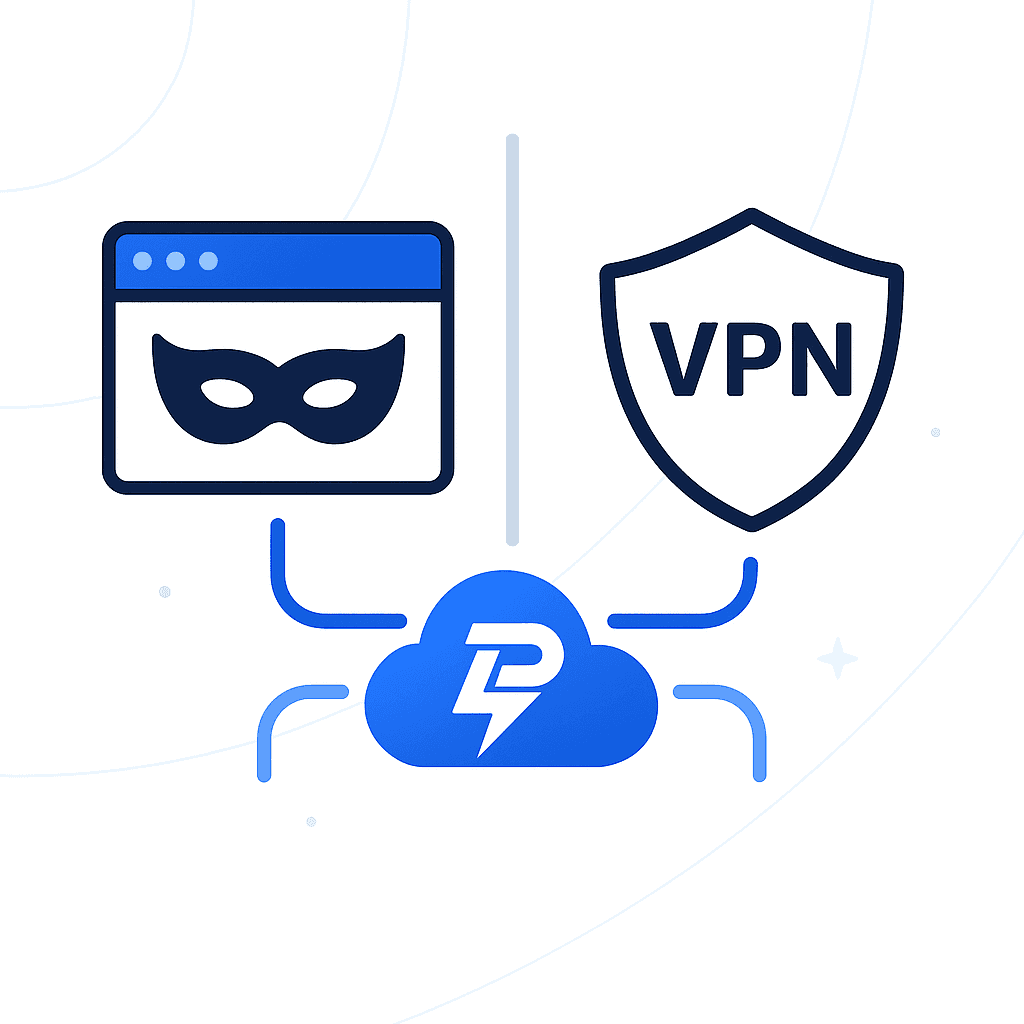
What Is a Proxy Website?
A proxy website is simply a web-accessible tool that implements a web proxy. You access a page, enter a URL, and browse through the proxy. No configuration, no software - just your browser.
The appeal is obvious: zero setup, instant access, minimal effort. That's why many people search "what is a web proxy" or "what is a proxy website."
But there's a tradeoff: such free or public proxy websites often have shared IPs, poor performance, and weak security. That's why at LightningProxies we recommend dedicated or semi-dedicated proxies for serious use.
What Are Proxy Settings and "Configure Proxy"?
When you hear "proxy settings" or "configure proxy," that usually refers to configuring a proxy server (not the simple web proxy). In these settings you specify:
- Proxy IP address
- Port number
- (Optionally) authentication credentials
Once configured, all your device's web traffic or app traffic goes through that proxy.
This approach provides greater control, stability, and reliability - which is why it's preferred for long-term use, automation, ad verification, or any business-related tasks. LightningProxies provides easy-to-use proxy credentials and setup instructions to help you configure proxies within minutes.
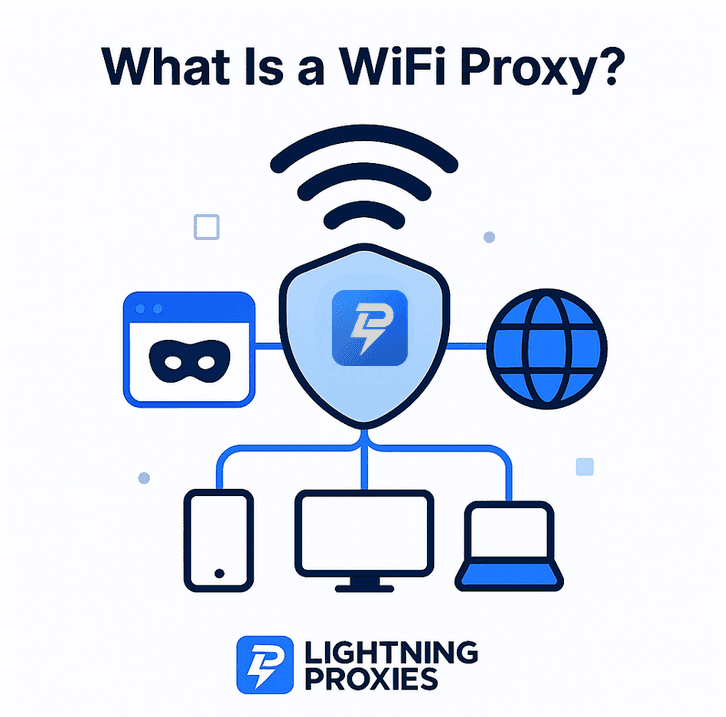
What Is a WiFi Proxy?
A WiFi proxy refers to a proxy configured at the network (WiFi/router) level. In that case - every device connected to that WiFi routes its traffic through the proxy.
This setup affects not just your browser, but all apps and devices using that WiFi - which makes it more powerful than a browser-only web proxy, though usually less flexible than VPN or system-level proxy configurations.
When Should You Use a Web Proxy?
Use a web proxy when:
- You need quick access to a blocked or geo-restricted site
- You want to mask your IP for a short session
- You don't want (or can't) install software
- You browse from a public computer or a device with restrictions
But - and this is important - for stable, safe, and continuous use (automation, multiple logins, ad verification, etc.), web proxies are rarely enough.
That's where LightningProxies' full proxy services shine - with dedicated IPs, higher speed, and stable connections for professional-grade tasks.
Are Web Proxies Safe?
Free web proxies - especially public ones - often come with serious drawbacks:
- No encryption, so your data can be intercepted.
- Shared IPs - many users on same proxy lead to higher chance of being blocked by websites.
- Logging or injection of ads, malware, or tracking scripts.
- Unstable performance, frequent downtime, slow speeds.
Because of these risks, free proxies are rarely suitable for secure browsing, account management, or business tasks.
At LightningProxies, we only offer high-quality proxies - with stable uptime, clean IPs, and (optionally) HTTPS support - to ensure maximum security and performance.
Web Proxy vs Paid Proxy Service - Why LightningProxies?
Here's a real-world comparison:
| Feature | Free Web Proxy | LightningProxies (Paid Service) |
|---|---|---|
| IP Quality | Shared, often flagged | Clean, dedicated or semi-dedicated |
| Speed | Slow, unreliable | High, consistent, fast |
| Security | Weak or none | Strong, optional HTTPS / SOCKS5 / advanced protocols |
| Use for automation / scraping / ad-verification | Not recommended | Fully supported |
| Risk of blocks or bans | High | Low |
| Stability & uptime | Unpredictable | High, 24/7 support available |
In short: web proxies are fine for quick, casual use - but for anything serious or long-term, LightningProxies offers the reliability, speed, and security you need.
Why Many Professionals Avoid Free Web Proxies
Professionals working in:
- Web scraping
- Ad verification
- Market research
- Social media management
- Automation
rarely rely on free web proxies. They understand that shared, unstable IPs can lead to blocks, bans, inconsistent results, or data loss. Instead, they choose residential, datacenter, or mobile proxies - such as those provided by LightningProxies - for consistent, safe results.
(See also: Datacenter vs Residential Proxies in our blog.)
How to Choose Between Web Proxy and Full Proxy Service
Choose a web proxy if: you just need to open one blocked site quickly, you don't care much about anonymity or privacy, or you're on a shared device.
Choose LightningProxies' paid proxy service if: you need stable IPs, high speed, privacy, anonymity, multiple sessions, or want to use automation, scraping, or ad verification.
We believe in giving our users both flexibility and power - whether you just need a quick proxy or a robust solution for business use.
Final Thoughts from LightningProxies
A web proxy can be a quick and easy tool to hide your IP and access restricted content. But it's inherently limited - in security, stability, and longevity.
At LightningProxies, we built our services to cover those limitations. With clean IPs, stable performance, and full proxy functionality, you get reliable browsing, automation-ready infrastructure, and real privacy - without the drawbacks of public web proxies.
Try LightningProxies today and experience the difference between "just browsing" and "pro browsing."
FAQ - Web Proxy
What is a web proxy in simple terms?
What does "configure proxy" mean?
What is a proxy website?
What is a WiFi proxy?
Web proxy vs VPN - which is better?
Are free web proxies safe?
When should I use a paid proxy service like LightningProxies?

October 03, 2025
Guide
Proxy Meaning: What Does a Proxy Really Do
Discover the true meaning of proxy servers and how they work.
November 7, 2025
Guide
The Ultimate Guide to Proxy IP Types
Discover the different types of proxy IPs: residential, datacenter, mobile, and IPv6 proxies. Learn which proxy type is best for your needs and how to choose the right setup.
September 29, 2025
Guide
What Is a Residential Proxy: Complete Guide 2025
Learn everything about residential proxies: how they work, types, benefits, and use cases for web scraping and privacy.